
Managing Birthday Announcements
Birthday Announcements is an automated outreach tool that sends a friendly SMS to your patients on their special day. It is designed to help you maintain patient relationships and grow your HIPAA-consented audience with zero manual effort from your staff.
Why use Birthday Announcements?
- Automated Engagement: Send a personalized touchpoint once a year to every patient in your database.
- Re-engage Dormant Patients: Reach patients who haven't had a recent fill to bring them back to your pharmacy.
- Grow Your Audience: Use the "set-and-forget" funnel to capture HIPAA consents, making more patients eligible for digital pharmacy services.
- Spam-Free Guarantee: Our network-wide "deduplication" ensures patients only receive one birthday message per year, even if they use multiple pharmacies in the Nimble network.
How to Enable Birthday Announcements
By default, this feature is set to Disabled for new pharmacies. To start sending greetings:
- Log in to the Pharmacy Portal.
- Navigate to the Comms Center in the left-hand menu.
- Click on Settings → Announcements.
- Locate Birthday Announcements and switch the toggle to Enabled.
- Success: A confirmation message will appear. Your first batch of messages will be processed during the next daily eligibility check (usually within 24 hours).
Note: If you ever need to stop outreach, simply return to this menu and toggle the feature Off. Any messages already "In Progress" with the carrier will finish sending, but no new messages will be queued.
Tracking Your Outreach
You can monitor all birthday communications in real-time to see how your patients are engaging.
- Go to the Comms Center.
- View the Communication Activity section.
- Birthday messages will appear as individual line items alongside standard prescription notifications.
Message Statuses
- Delivered: The patient successfully received the SMS.
- In Progress: The message has been sent to the carrier and is on its way.
- Failed: The message could not be delivered (e.g., invalid mobile number).
- Not Attempted: A message was skipped (likely because the patient already received a greeting from another pharmacy or has opted out of SMS).
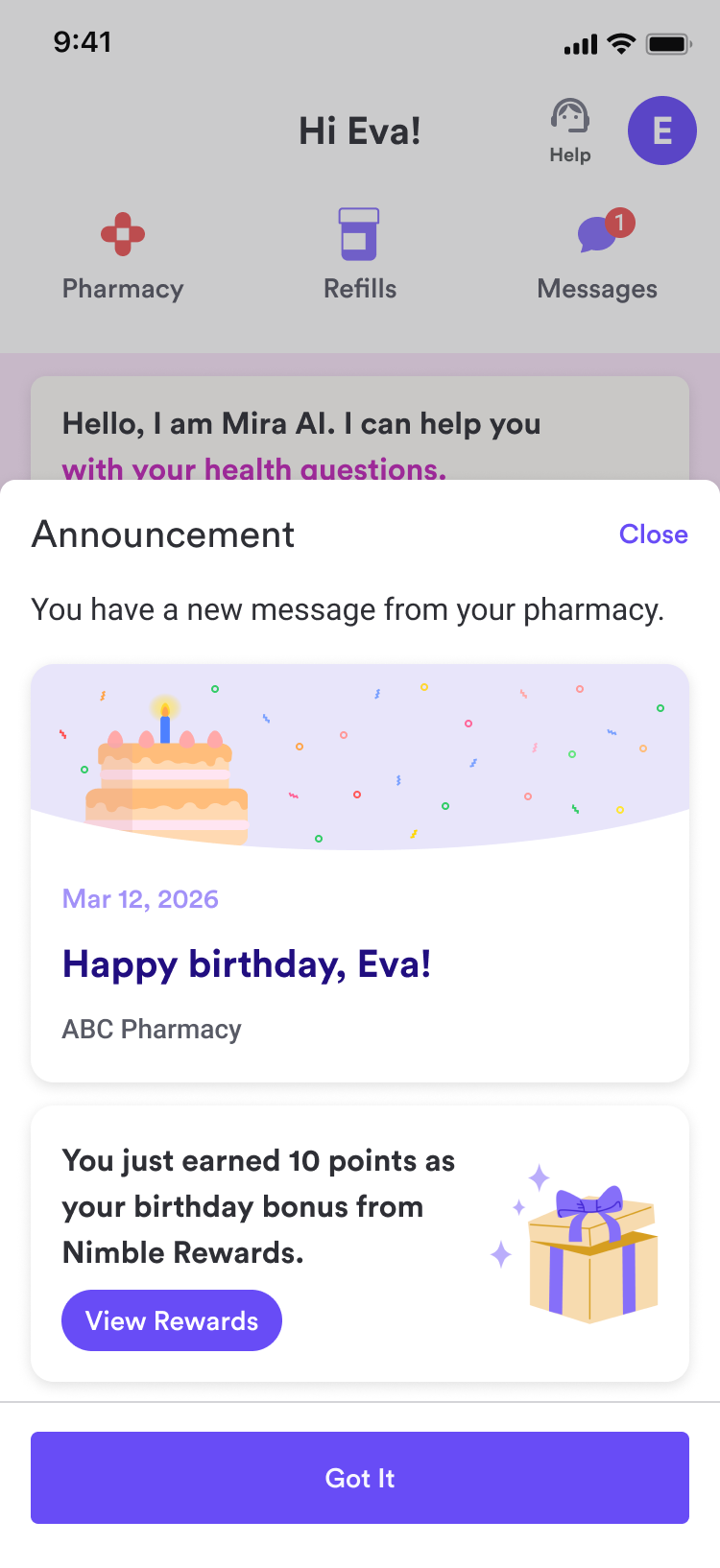
New Patient Experience – Birthday Announcement & Gift
Patients will receive an SMS inviting them to view an announcement and receive a gift.When they tap the link in the SMS, they are taken to a landing page that includes:
- A personalized birthday message.
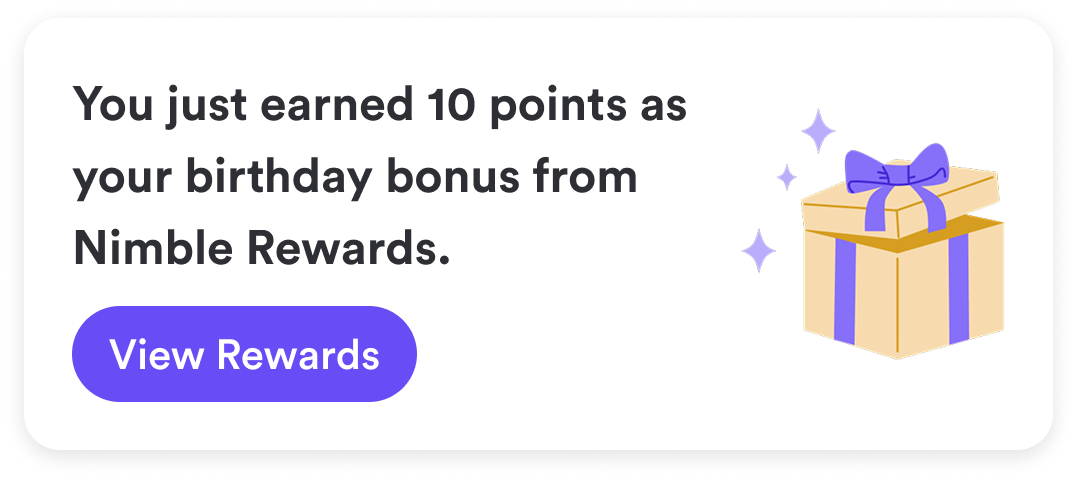
- A gift of 10 Nimble Points (Nimble Points can be redeemed for gift cards, which are fully funded by Nimble.)
Frequently Asked Questions (FAQ)
Which patients are eligible?
A patient is eligible if they have a fill on record at your pharmacy, a valid mobile number, and have not already received a birthday message from any pharmacy in the Nimble network in the last 365 days.
Can I customize the message text?
Currently, messages use a high-performing, pre-verified template to ensure 100% compliance and deliverability. Custom messaging is a planned update for future releases.
What happens if a patient has a birthday on a weekend?
The system runs 365 days a year. However, messages are only delivered during "Business Hours" in the patient’s local timezone to ensure a respectful experience.
Need more help?
Contact your Customer Partner or reach out to Nimble Support via the "Help" button in your portal.