
Manage Datascan Refills Without Leaving Your Pharmacy System
Keep patient refill requests in the DataScan workflow your team already uses.
DataScan pharmacies with NimbleRx Refills enabled can receive eligible patient refill requests directly in the DataScan refill queue.
That means your team can manage standard refill requests in DataScan instead of switching to the NimbleRx Pharmacy Dashboard to work each request.
Why Use DataScan Refills?
With DataScan Refills, your team can:
- Receive eligible NimbleRx refill requests directly in DataScan
- Work refill requests in the same pharmacy system your team already uses
- Reduce the need to move between DataScan and the NimbleRx Pharmacy Dashboard
- Continue filling prescriptions through your normal DataScan workflow
How Do Refill Requests Work?
When an eligible patient requests a refill through NimbleRx, the request is sent to your pharmacy’s DataScan refill queue.
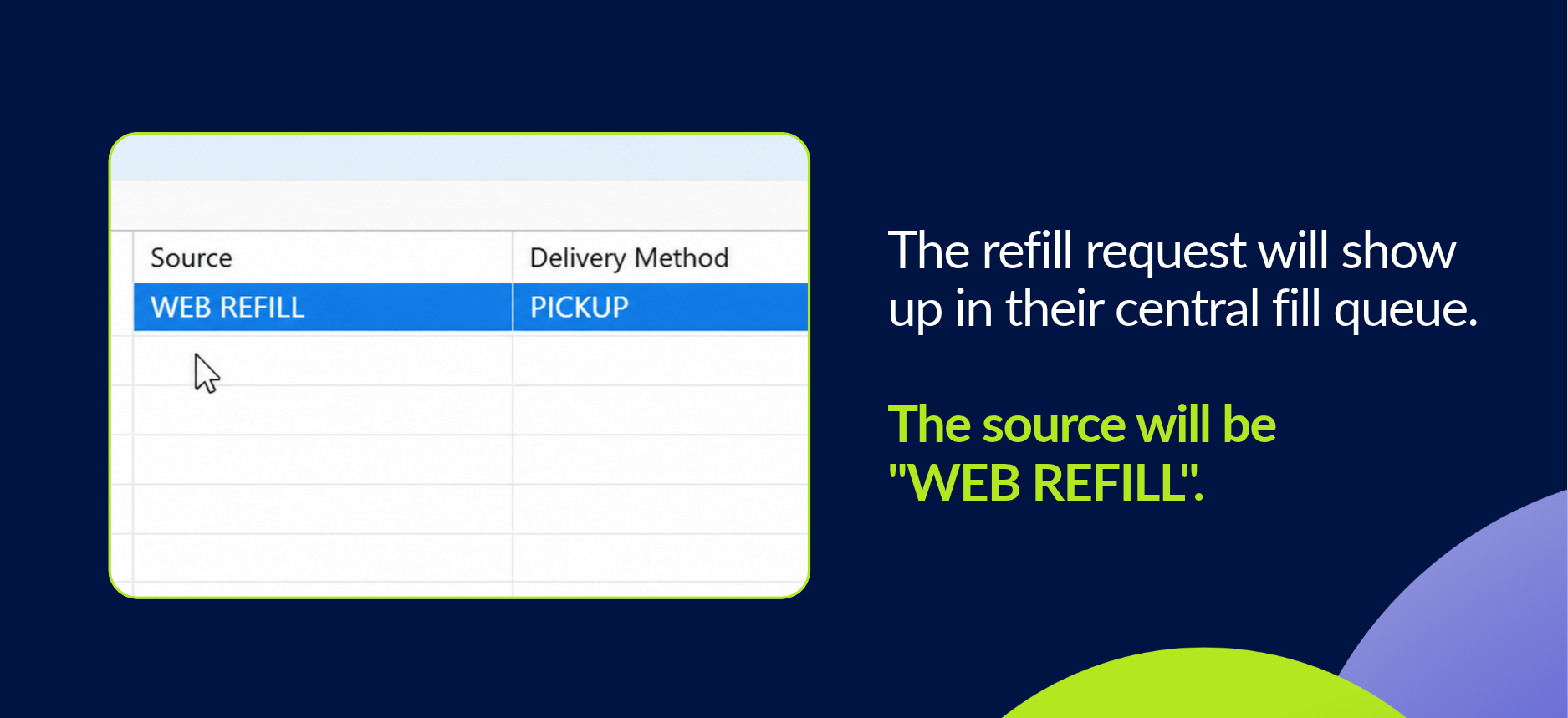
Your team can then process and fill the prescription in DataScan as usual.
When Will the Refill Appear?
The timing depends on how your pharmacy uses NimbleRx:
- Connect pharmacies (Rx Messaging Only): The refill request is sent to DataScan when the patient submits the request.
- Collect pharmacies (Patient Checkout): The refill request is sent on the patient’s projected fill-start date.
So if your pharmacy uses Collect, you may not see the refill in DataScan immediately after the patient submits the request.
Getting Started with DataScan Refills
DataScan Refills must be enabled for your pharmacy before refill requests can be sent directly into DataScan.
Interested in getting started?
Talk to your Client Partner. They can confirm whether Refills are enabled for your pharmacy and help make sure your DataScan refill connection is set up correctly.
Frequently Asked Questions
Can my team manage NimbleRx refill requests directly in DataScan?
Yes. When DataScan Refills are enabled for your pharmacy, eligible refill requests can be sent directly into your DataScan refill queue.
Where will the refill appear in DataScan?
It will appear in your DataScan refill queue with the source listed as WEB REFILL.
Will every refill request appear in DataScan?
No. Standard refill requests with refills remaining can be sent to DataScan. Requests for prescriptions with no refills remaining stay in NimbleRx as refill-authorization tasks.
How quickly will a refill request appear?
For Connect pharmacies, the request is sent when the patient submits it. For Collect pharmacies, it is sent on the projected fill-start date.
Do we still need the NimbleRx Pharmacy Dashboard?
You can manage standard eligible refill requests in DataScan. Some workflows, including refill-authorization requests for prescriptions with no refills remaining, still require the NimbleRx Pharmacy Dashboard.
How do I enable DataScan Refills?
Talk to your Client Partner. They can confirm eligibility and make sure the required DataScan refill setup is complete.