
All About: Nimble's Texts to Your Patients
Nimble Patient Communications
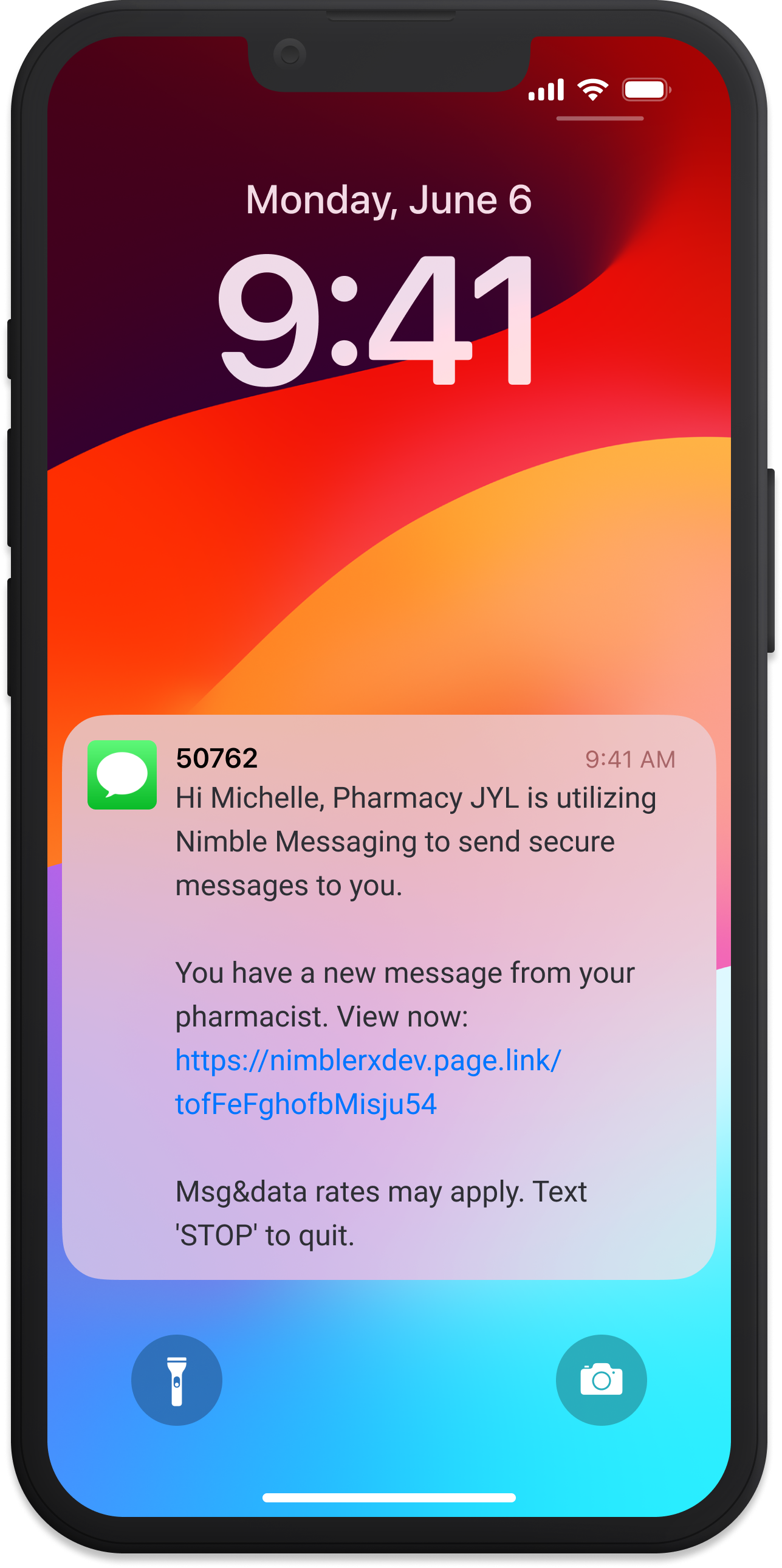
What does Nimble send my patients?
- Nimble sends text messages from this shortcode: 39143
- All of Nimble’s messaging is compliant and follows messaging best practices
- Nimble sends several types of messages, including order status, refill reminders, and checkout links
- Patients will know messages are from your pharmacy specifically
Over what period of time are patients messaged?
- Patients only receive messages during typical waking hours. Nimble does not send messages between 8 p.m. and 8 a.m. in the patient’s local time zone.
- Reminders stop once the patient places an order. Patients can opt out of messages at any time.
How do I ensure my patients understand these messages?
- Inform patients they can expect messages from us — and that it’s not spam
- Let patients know they can opt out of messaging at any time
- Reply to Nimble’s text messages with HELP for help, STOP to unsubscribe, and START to re-subscribe. Patients can unsubscribe from transactional emails using the provided button.
- Patients can save our shortcode (our sending number) in their contacts to reduce confusion with future refill reminders
- Nimble sends text messages from this shortcode: 39143
When do patients get a text to check out?
Patients receive an SMS with a link to check out through Nimble once your pharmacy system signals that the prescription is ready. Each pharmacy system has its own way of sending this signal to Nimble.