Tablet of contents
Related Articles

How Do I Issue a Refund Through Nimble?
Refunding Patients on Direct Pay
- Log in to the Nimble Dashboard
- Navigate to “Patient Search” tab

- Search patient and select the patient’s profile
- Scroll down to “Order History” and locate the order to refund
- Select “refund” on the right-hand side of the page
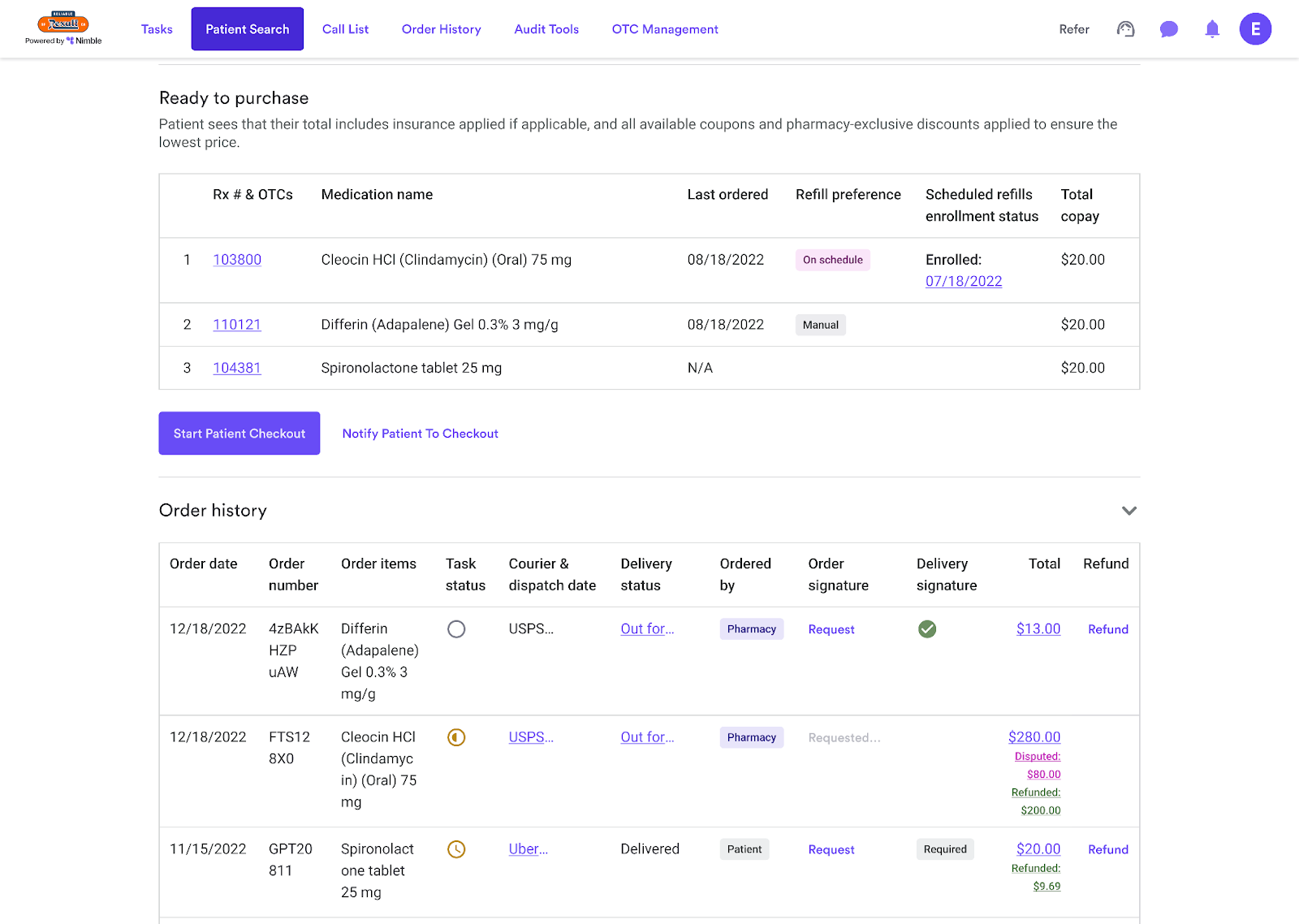
Not seeing the refund button for an order? Reach out to Support through your Nimble Dashboard for further assitance!
Related Articles