Make Digital Checkout Work Harder for Your Pharmacy


Running an independent pharmacy today means making every dollar count. With rising operational costs and shrinking margins, it makes sense to look closely at the everyday parts of the business, including your checkout process.
Digital checkout is often framed as a convenience feature. Patients can review and pay for an order from their phones, pharmacy teams spend less time handling payments at the counter, and pickup can move more quickly.
While those benefits matter, a connected digital checkout experience accomplishes much more. It can help your pharmacy collect payment more reliably, reduce avoidable administrative work, and create new opportunities tied to transactions your team is already processing.
What digital checkout can do for your pharmacy
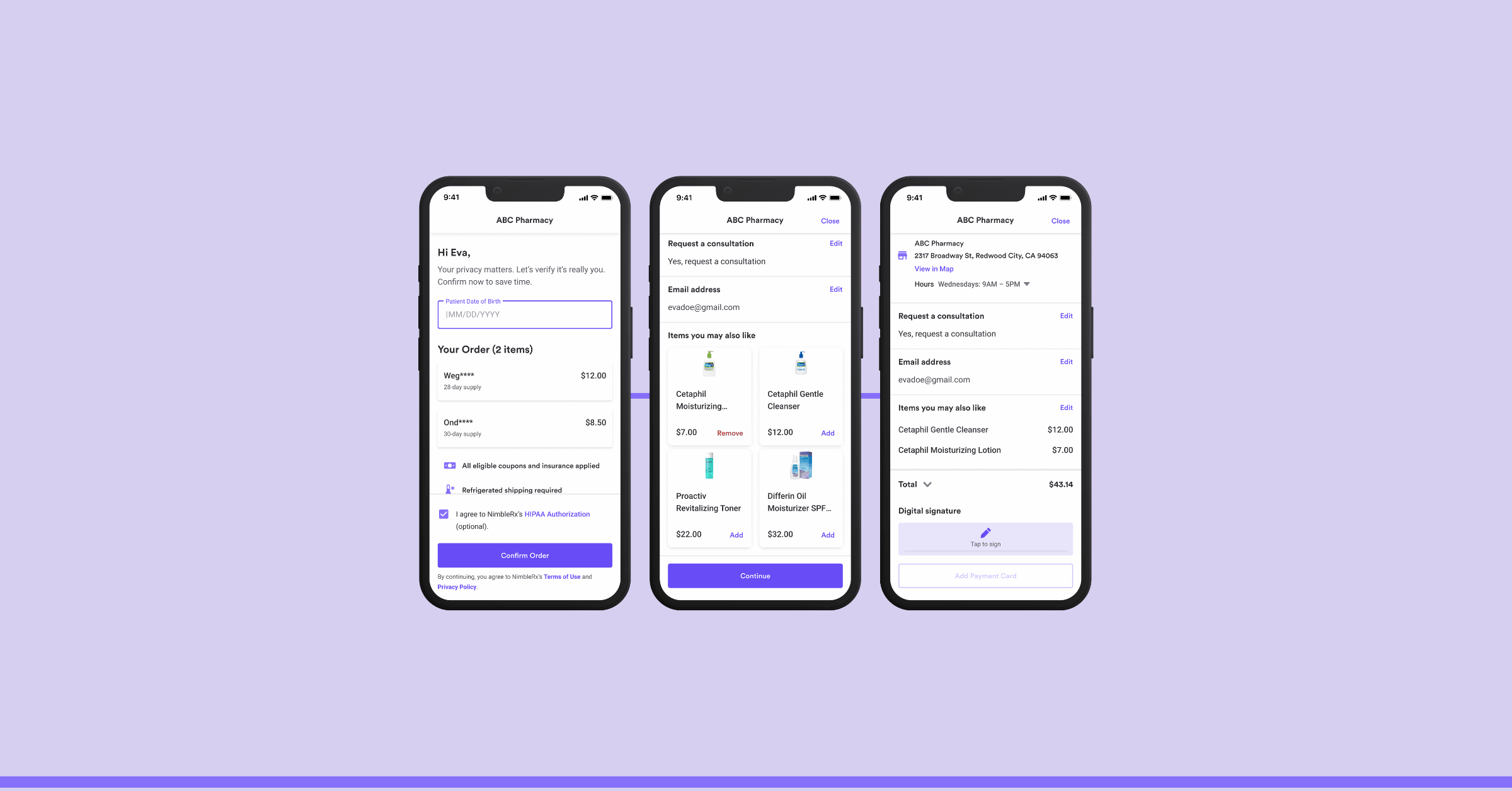
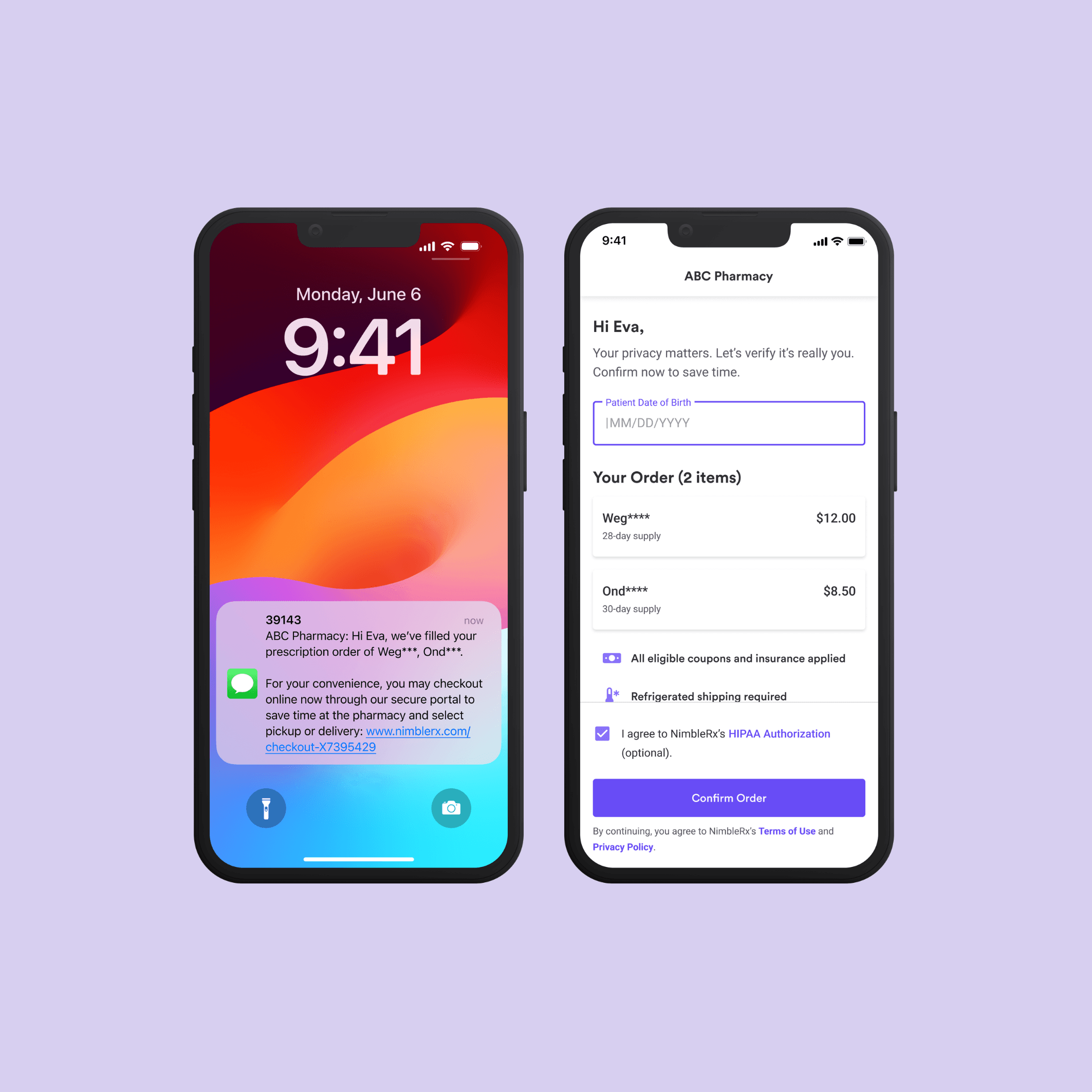
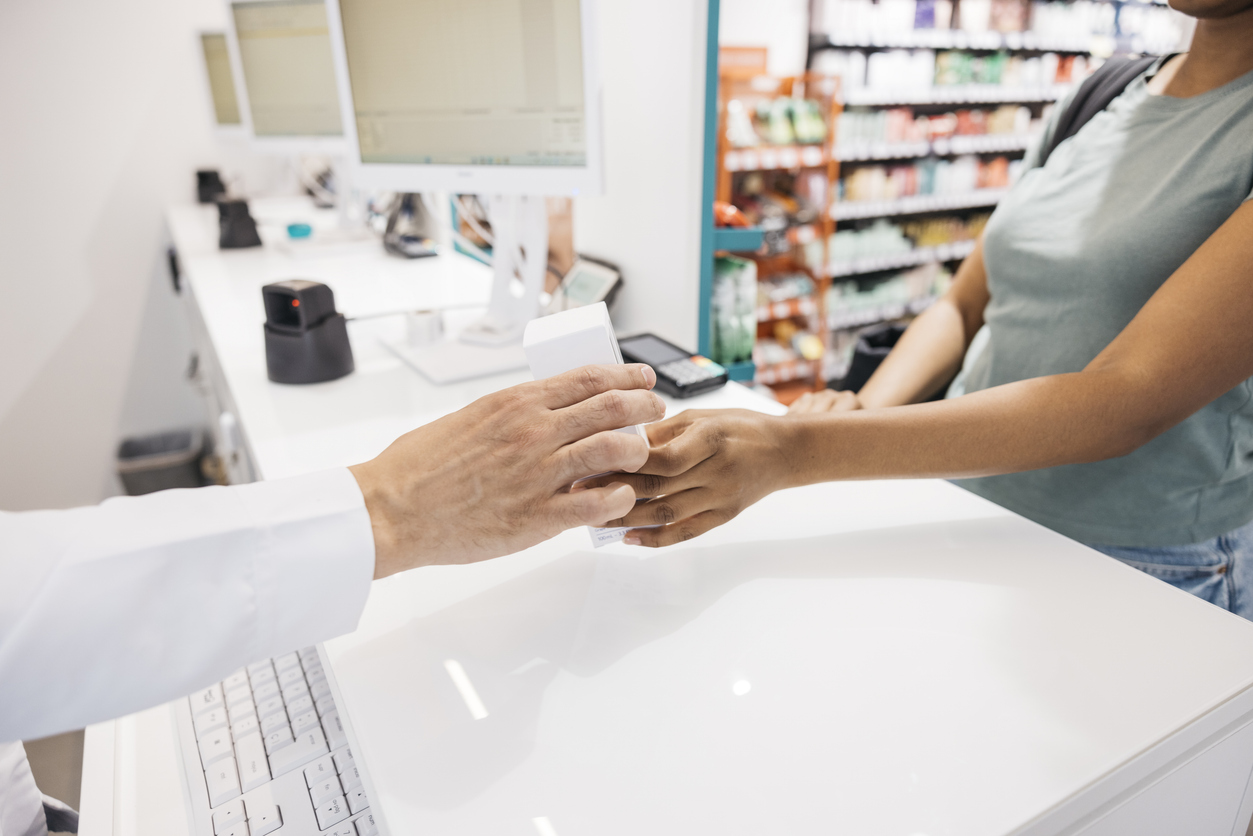
Digital checkout moves payment earlier in the prescription journey. Instead of waiting until a patient arrives at the counter, your team can send a secure notification when an eligible order is ready. The patient can review the order, complete payment, and take any applicable approval or signature steps before pickup or delivery.
That can help your pharmacy:
- Reduce payment-related calls and follow-up
- Shorten counter interactions during busy periods
- Give patients a clearer view of what they owe before pickup
- Close the gap between “prescription ready” and “payment collected”
- Reduce the chance that a prescription remains unclaimed because payment was never completed
- Give staff more time for patient questions, fulfillment, and other work that requires their attention
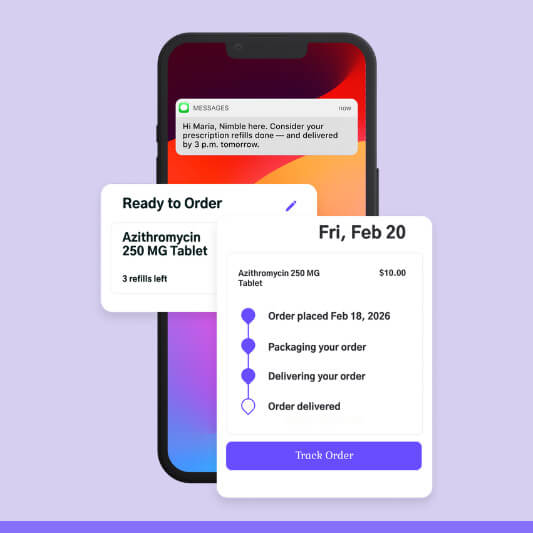
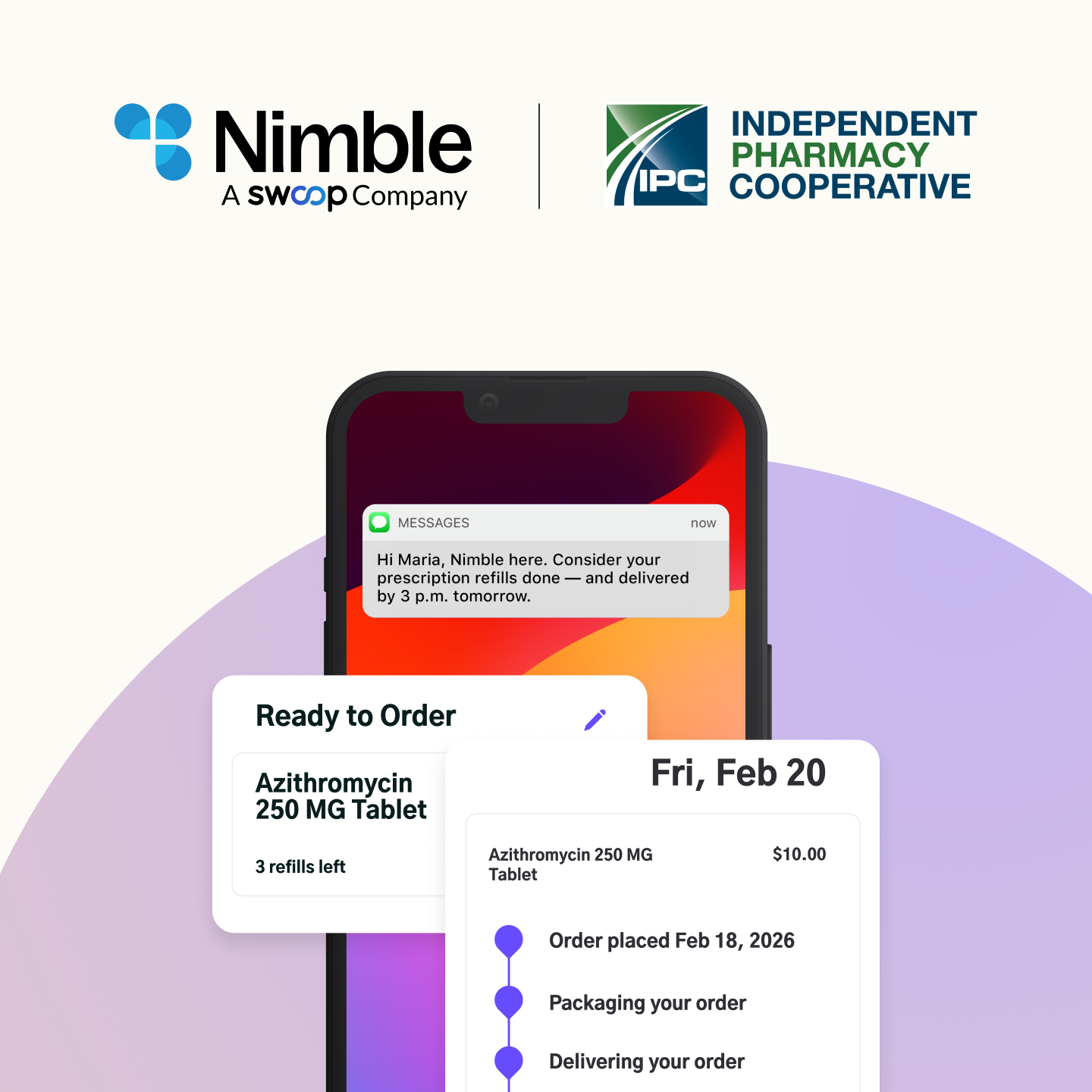
Digital checkout can also create a more connected patient experience. When payment is part of the same workflow as prescription-ready notifications, pickup updates, and delivery coordination, patients have a clearer next step instead of having to call the pharmacy or wait at the counter.
How NimbleRx adds value at checkout
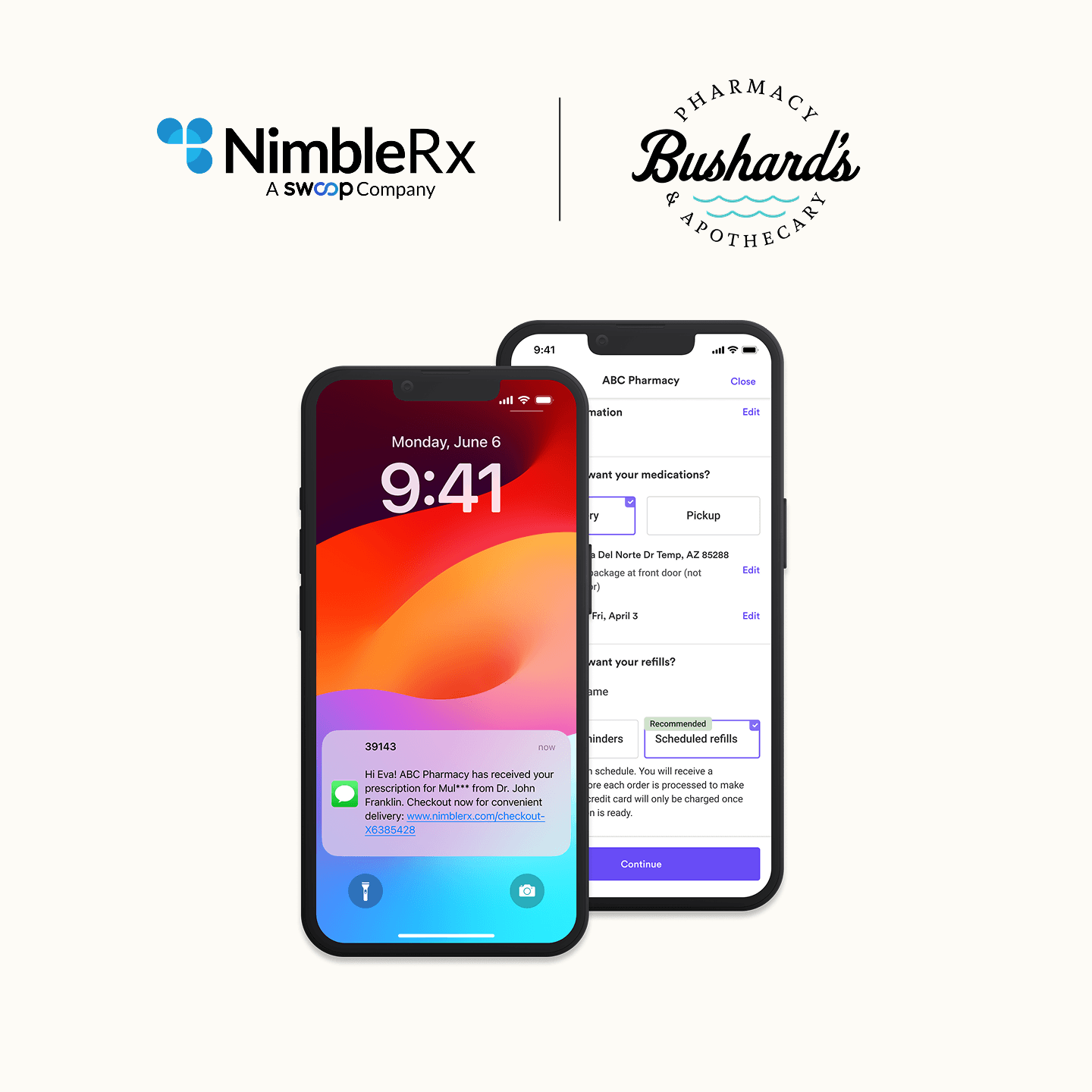
NimbleRx combines digital checkout with patient communications and prescription fulfillment workflows. It works alongside the pharmacy management system (PMS) your team already uses, helping patients move from a prescription-ready notification to payment and pickup or delivery.
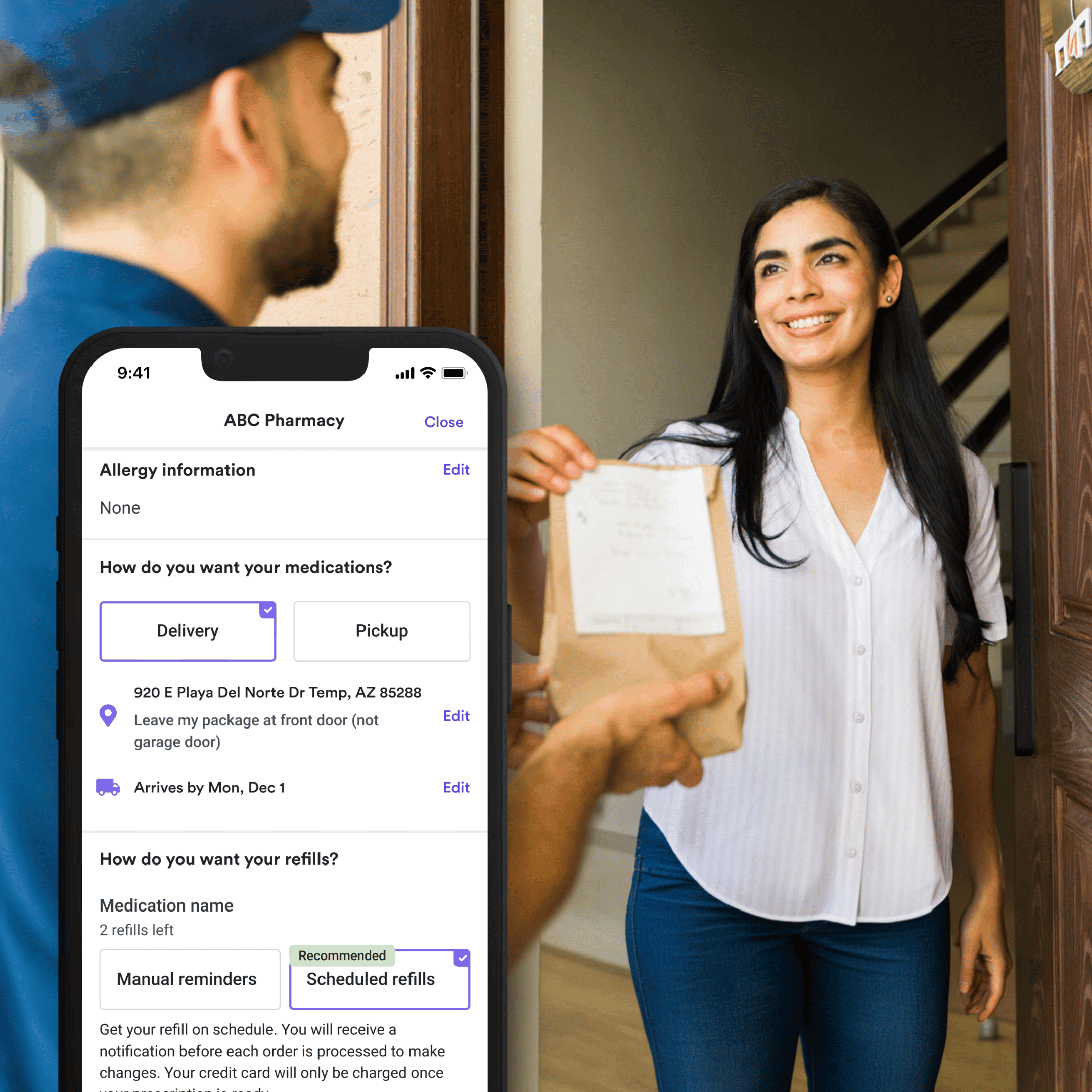
NimbleRx also gives pharmacies a digital ordering experience that can keep the pharmacy open 24/7. Patients can place orders, request refills, receive refill reminders, and add relevant OTC products to their orders, even outside regular business hours.
NimbleRx also offers two direct revenue opportunities:
Experience Payments
With NimbleRx, pharmacies earn $0.50 for each completed patient checkout through the platform. The more eligible patients who complete checkout through NimbleRx, the more completed transactions can contribute to this payment stream.
Admin Fee Revenue
Admin Fees are a small, patient-paid fee that a pharmacy can apply to eligible transactions at digital checkout. The fee is shown to the patient before payment and can help the pharmacy recover part of the overhead associated with processing and fulfilling the order. The average annual revenue a pharmacy generates is $12,000.
Getting started with NimbleRx is simple
NimbleRx works alongside the PMS your team already uses, so you can add a digital patient experience without replacing the systems that currently run your pharmacy.
Getting started takes just three steps:
- Enable digital ordering to let patients place orders, request refills, receive refill reminders, and add relevant OTC products, all right from their phones
- Turn on digital checkout so patients can review and pay for eligible orders before pickup or delivery
- Track completed checkouts, payment-related calls, staff time at the counter, and any Experience Payments or Admin Fee revenue as you go
Make checkout work harder for your pharmacy
Digital checkout should first make the patient and staff experience easier. It can reduce payment friction, support faster pickup, and give pharmacy teams more time for the work that cannot be automated.
Learn more about NimbleRx digital checkout.




.png)
.png)
.png)



.png)


.jpg)
.jpg)
.jpg)





.jpg)


.jpg)









.jpg)