

How to Integrate Digital Payments Into Your Pharmacy


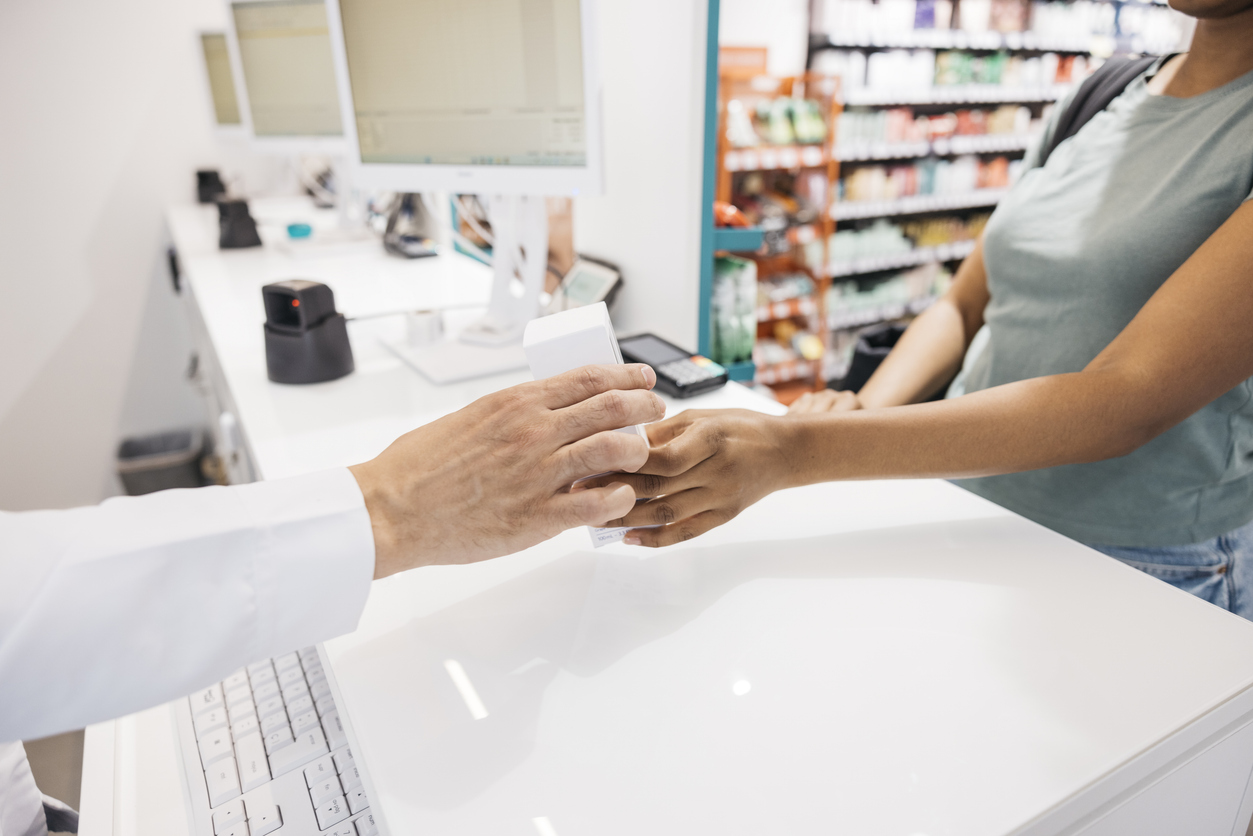
A prescription may be ready, but checkout can still create extra work. Patients may need to ask about a copay at the counter, enter a card, sign for an order, and wait in line, often while your team is managing phones, pickups, and clinical questions.
There is also a revenue reality behind every ready prescription: dispensing an order does not guarantee the patient will come in promptly to pay. When payment depends on an in-person visit, outstanding balances can create more follow-up for your team and delay revenue your pharmacy has already earned.
Integrating digital payments for pharmacies means connecting a secure way to pay with the rest of the prescription workflow, from ready notification through pickup or delivery, so patients and staff have a clear, simple next step.
Why isn’t payment processing the whole patient experience?
Your pharmacy management system (PMS) remains the operational system of record and is built to support dispensing and the core workflows that keep your pharmacy moving.
Payment functionality is one important touchpoint, but a connected patient journey includes more: a clear notification, relevant prescription context, payment, applicable signature or approval steps, pickup or delivery updates, and an easy way to ask a question when needed.
Patients are accustomed to modern retail experiences where they can see an order, select fulfillment, pay from their phone, and receive confirmation. They increasingly expect that same clarity from their pharmacy without losing access to the pharmacist they know and trust.
The opportunity is not to replace your PMS. Instead, it’s to make the patient-facing experience around it easier, so your staff can spend less time coordinating disconnected steps and more time delivering the personal care that sets an independent pharmacy apart.
What does a connected digital checkout workflow look like?
A strong pharmacy digital payment solution connects the steps patients and staff already take every day:
- Your team processes the prescription in its existing PMS.
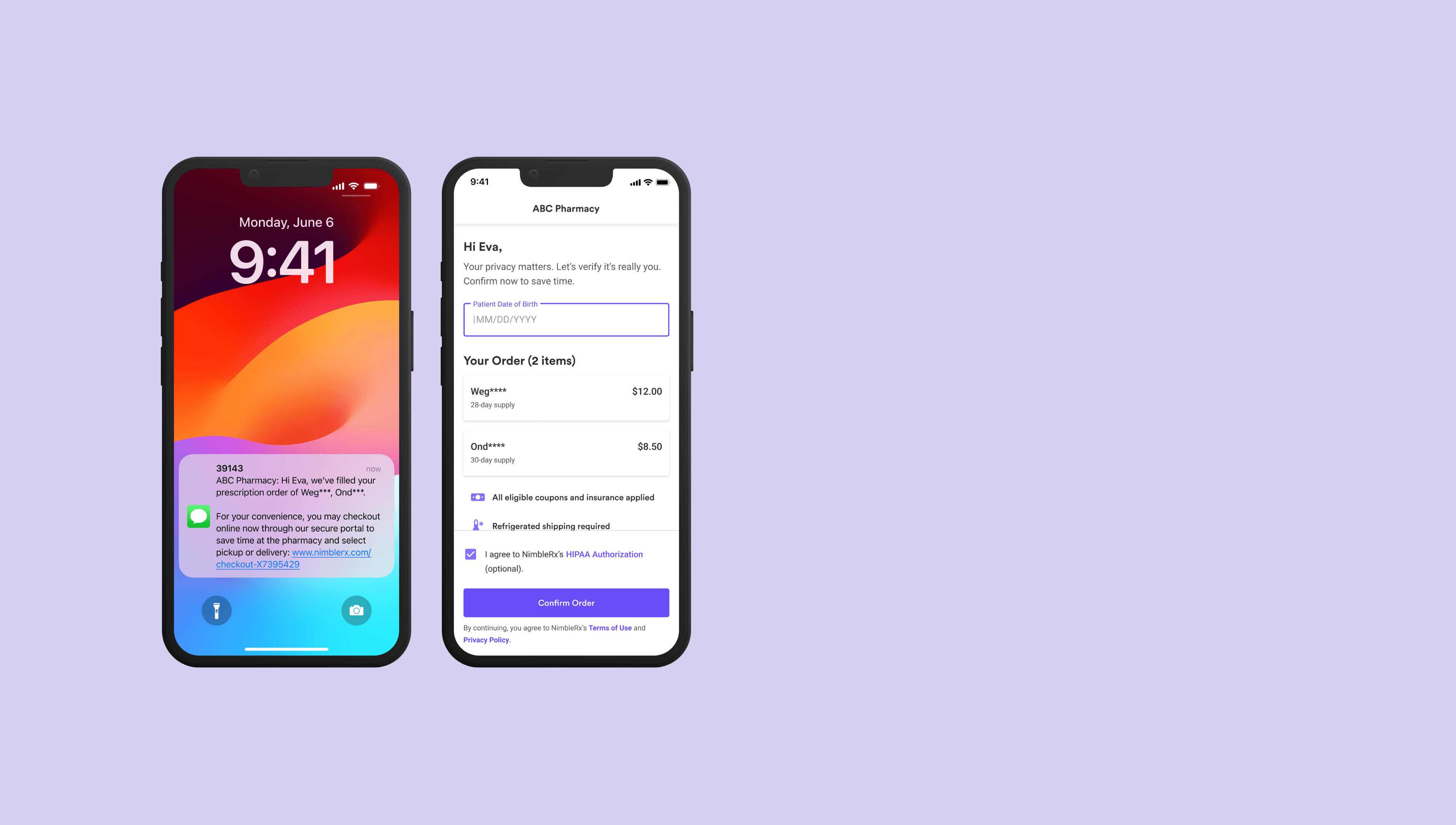
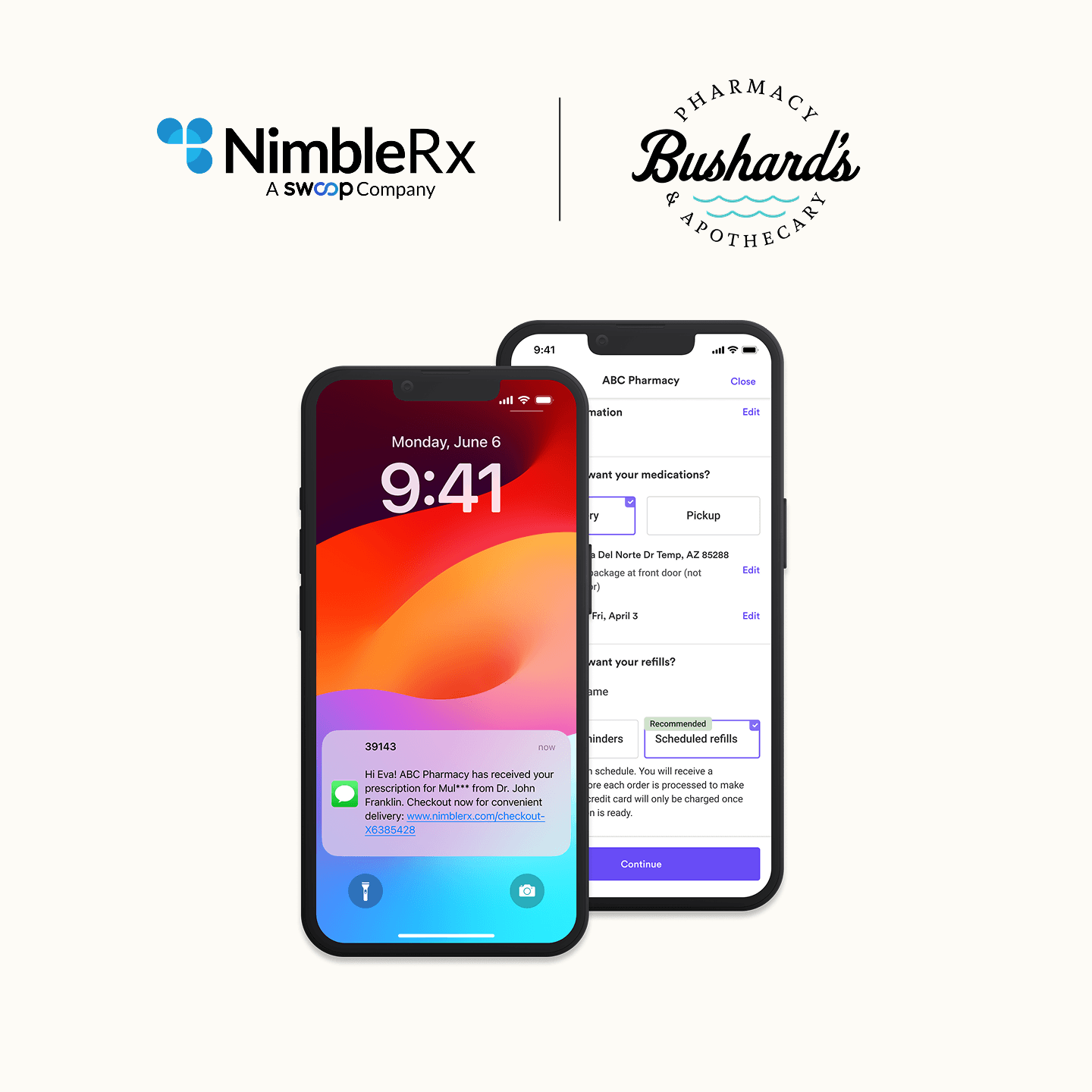
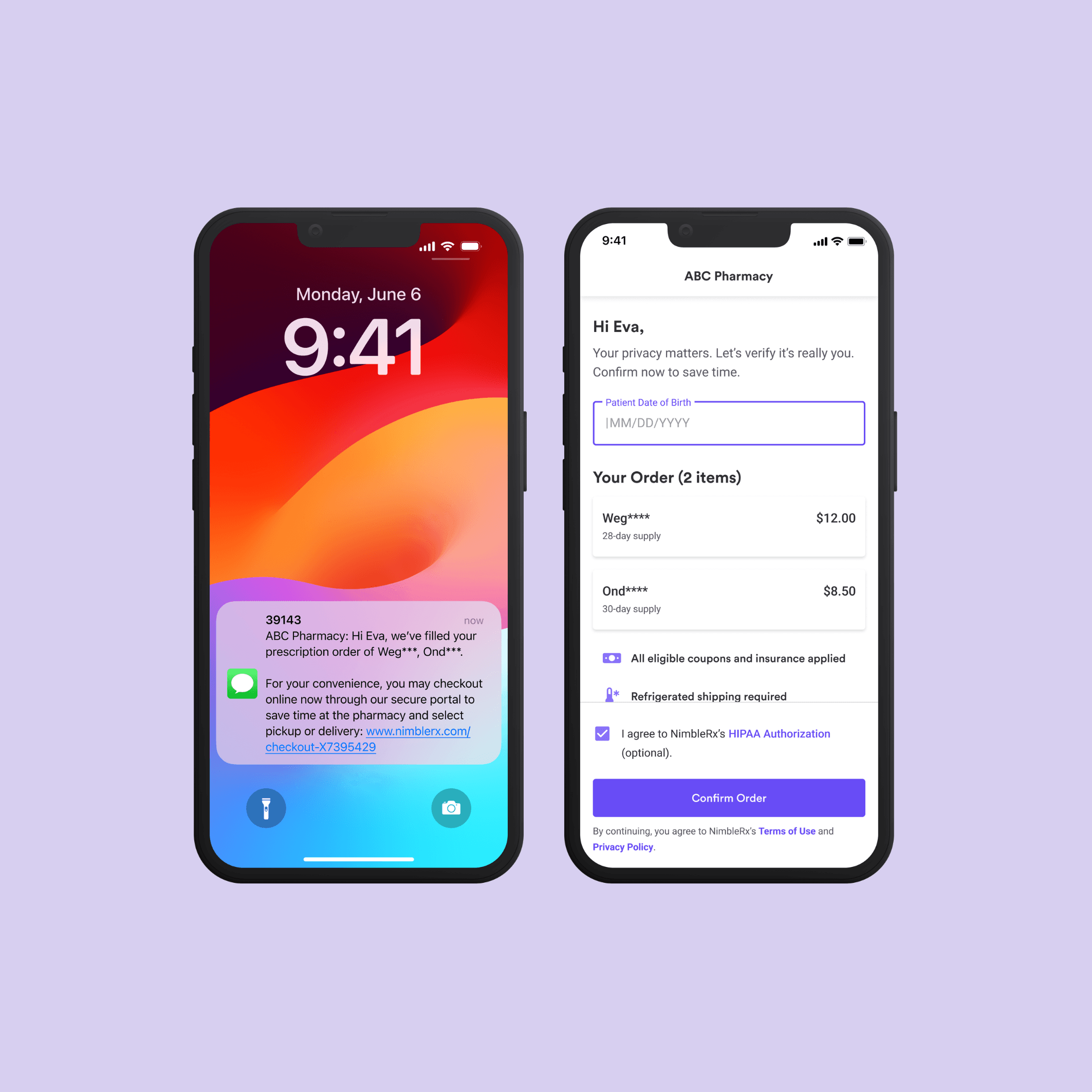
- When the order reaches the appropriate status, the patient receives a secure notification.
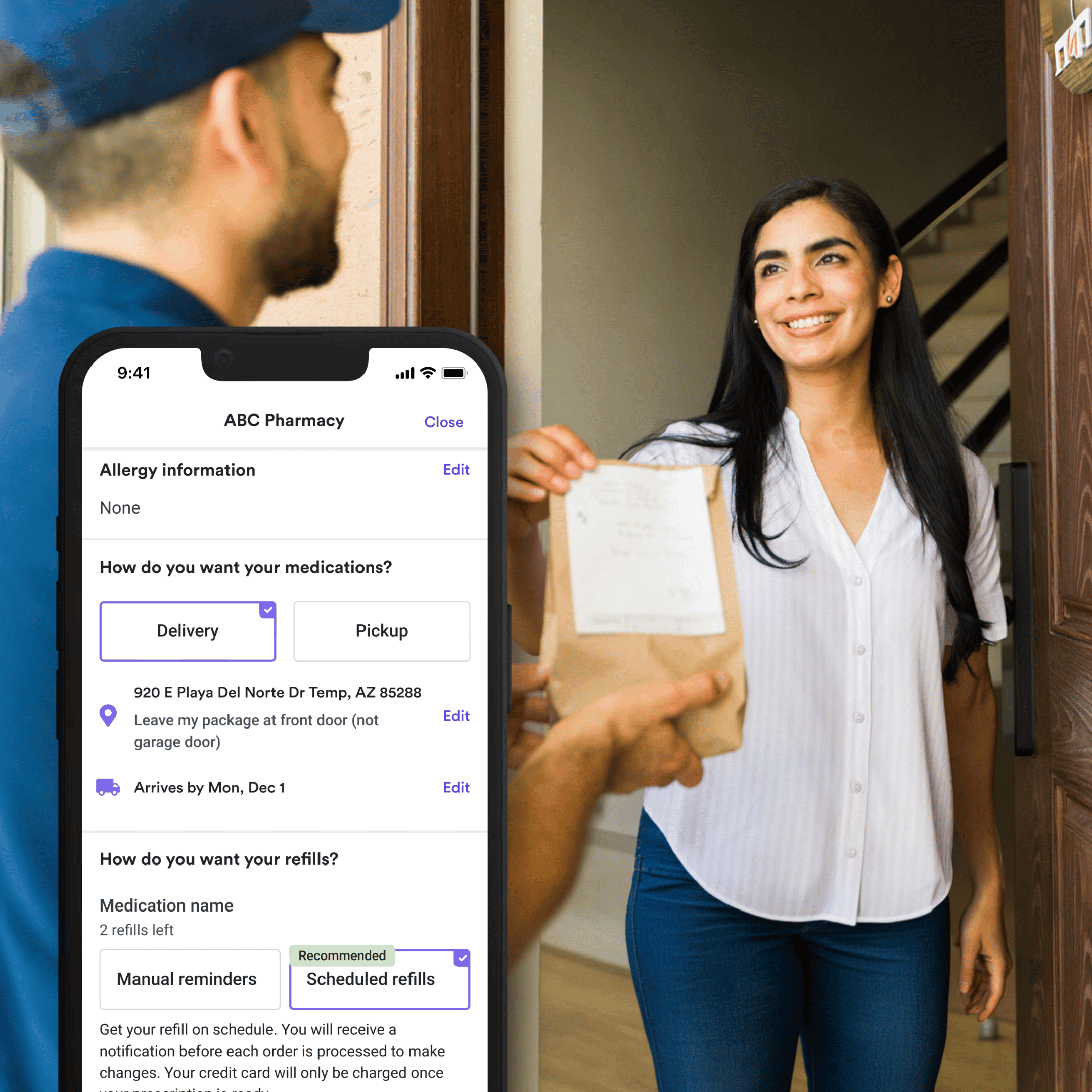
- The patient reviews relevant order details, completes pharmacy mobile checkout, and takes any eligible approval or signature actions.
- Staff can see the order and payment status, then prepare pickup or delivery.
- The pharmacy retains a clear record for reconciliation and follow-up.
This creates fewer disconnected handoffs between “Rx ready,” “patient contacted,” “payment taken,” and “order completed.” It can also help your pharmacy capture revenue sooner by giving patients a convenient way to pay when they are notified. Patients gain a more confident path forward: they know what is ready, what they owe, and what to do next.
Digital checkout should support, not replace, required counseling, identity verification, controlled-substance procedures, or your pharmacy’s own policies. The goal is to streamline appropriate administrative steps while preserving the clinical and compliance processes your team relies on.
What should you look for when integrating digital payments?
When evaluating pharmacy payment integration, start with the workflow, not just the transaction. The right solution should help your team create a consistent experience from prescription ready to fulfillment.
Look for a platform that:
- Works with your PMS and the workflow states your pharmacy already uses
- Gives patients a clear mobile experience, not simply a standalone payment request
- Connects payment with order status, pickup or delivery, receipts, and applicable signatures
- Gives staff visibility into paid, pending, and exception orders
- Supports refunds, reporting, reconciliation, and audit readiness
- Includes rollout support and patient communications not just technical setup
This checklist helps distinguish “we have a way to accept payment” from “we have a connected digital checkout experience.” The difference matters because every unclear handoff can create more patient questions, staff follow-up, counter congestion, or a prescription that is ready but still unpaid. A connected experience helps make payment a timely, visible part of fulfillment instead of a separate task your team must chase.
How does NimbleRx help pharmacies deliver a more modern experience?
This is where a pharmacy-specific patient engagement and checkout layer can add value alongside your PMS.
NimbleRx does not ask pharmacies to abandon the PMS that runs their day-to-day operations. It integrates popular PMS systems to support pharmacy workflows and adds a patient-facing experience that can be difficult to deliver through a transaction alone.
With NimbleRx, a prescription-ready notification can guide patients through one connected experience to manage the next step: review their order, pay digitally, complete relevant signature or approval actions, and prepare for pickup or delivery. This creates modern retail-like convenience with pharmacy-specific workflows.
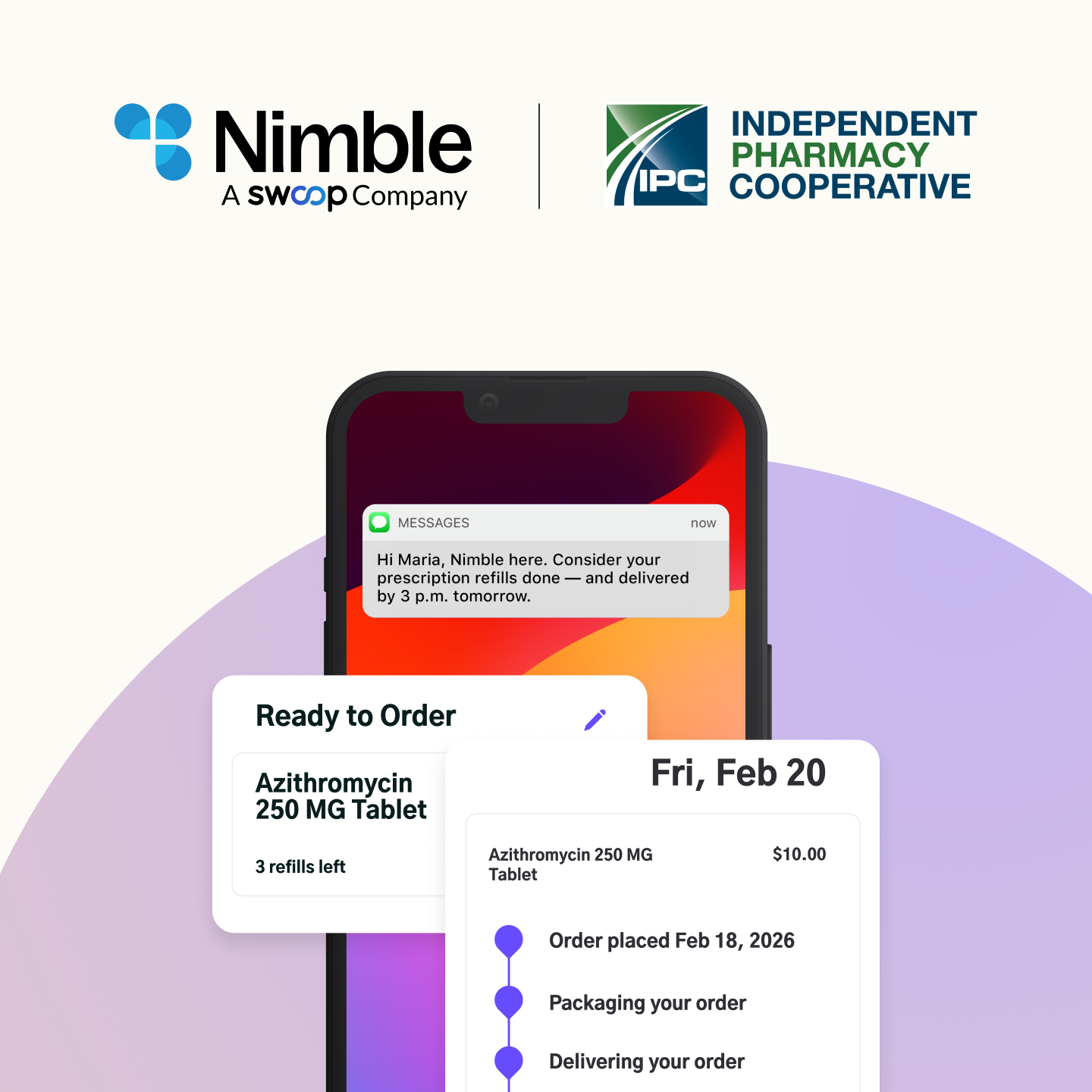
Convenience is not simply accepting a card online. It is reducing uncertainty for patients, reducing manual follow-up for staff, and helping pharmacies collect payment sooner on prescriptions that are ready to be fulfilled. NimbleRx also brings related engagement tools, including refill reminders and two-way messaging, into the same patient journey. That helps independent pharmacies give patients the mobile-first clarity they expect while keeping the local pharmacy relationship at the center.
Where should you start?
Map the current route from “Rx ready” to “picked up”, including when and how payment is collected. Identify where patients or staff get stuck: Is it the initial notification, the payment step, a signature, a delivery decision, a status question, or the follow-up required when an order is ready but unpaid?
Then evaluate technology that improves that moment without introducing another manual system. A connected checkout experience can make each next step clearer for patients and more manageable for your team.
Talk to our team to see how NimbleRx connects digital checkout, patient communications, and fulfillment with your existing pharmacy workflow.


.png)
.png)
.png)



.png)


.jpg)
.jpg)
.jpg)





.jpg)


.jpg)










.jpg)